AI subtitle generator for video captions and burned-in exports.
General AI helps creators, editors, and media teams automatically transcribe video, style time-synced captions, and export burned-in subtitle videos from one fast online workspace.
Turn uploaded video into time-synced subtitles without typing every caption by hand.
Export a captioned video that is ready for social media, tutorials, interviews, and lessons.
Set subtitle language, text size, weight, color, and highlighted words before export.
An online subtitle generator should reduce manual work, not add another editing step.
General AI keeps the process focused: upload video, auto-generate captions, review the subtitle look, and export a finished video that is ready to publish.
Start with automatic transcription instead of a blank caption timeline.
Keep subtitle timing aligned to spoken audio and short-form pacing.
Download one finished video instead of moving between multiple tools.
The workflow is centered on finished video output, so creators can move from raw footage to readable captions without jumping between subtitle tools and editors.
Language, size, weight, base color, and highlight color are enough for most creator workflows.
Generate readable subtitle exports for English, Chinese, and mixed-language creator videos in one workflow.
Less manual transcription, fewer export handoffs, and a cleaner review loop for every video.
How this AI video subtitle generator works from upload to export.
The best subtitle tools feel simple. General AI turns uploaded footage into automatic subtitles and downloadable burned-in video output in four clear steps.
Drag in an MP4, MOV, or WebM file to start an automatic subtitle workflow with no manual transcription.
Choose the spoken language in your video and let General AI create time-synced captions automatically.
Adjust subtitle language, font size, weight, base color, and highlight color before the final render.
Download a captioned video that is ready for Shorts, Reels, TikTok, lessons, interviews, and ad creatives.
Real upload formats, real subtitle controls, and a clear export promise.
People searching for an online subtitle generator usually want three answers fast: what can I upload, what can I customize, and what do I get after rendering?
MP4, MOV, and WebM uploads from your device.
Built for multilingual subtitle workflows, including English, Chinese, and mixed-language creator videos.
Set font size, font weight, base color, and highlight color before the final subtitle render.
Download a captioned video for review, approval, and publishing on social or course platforms.
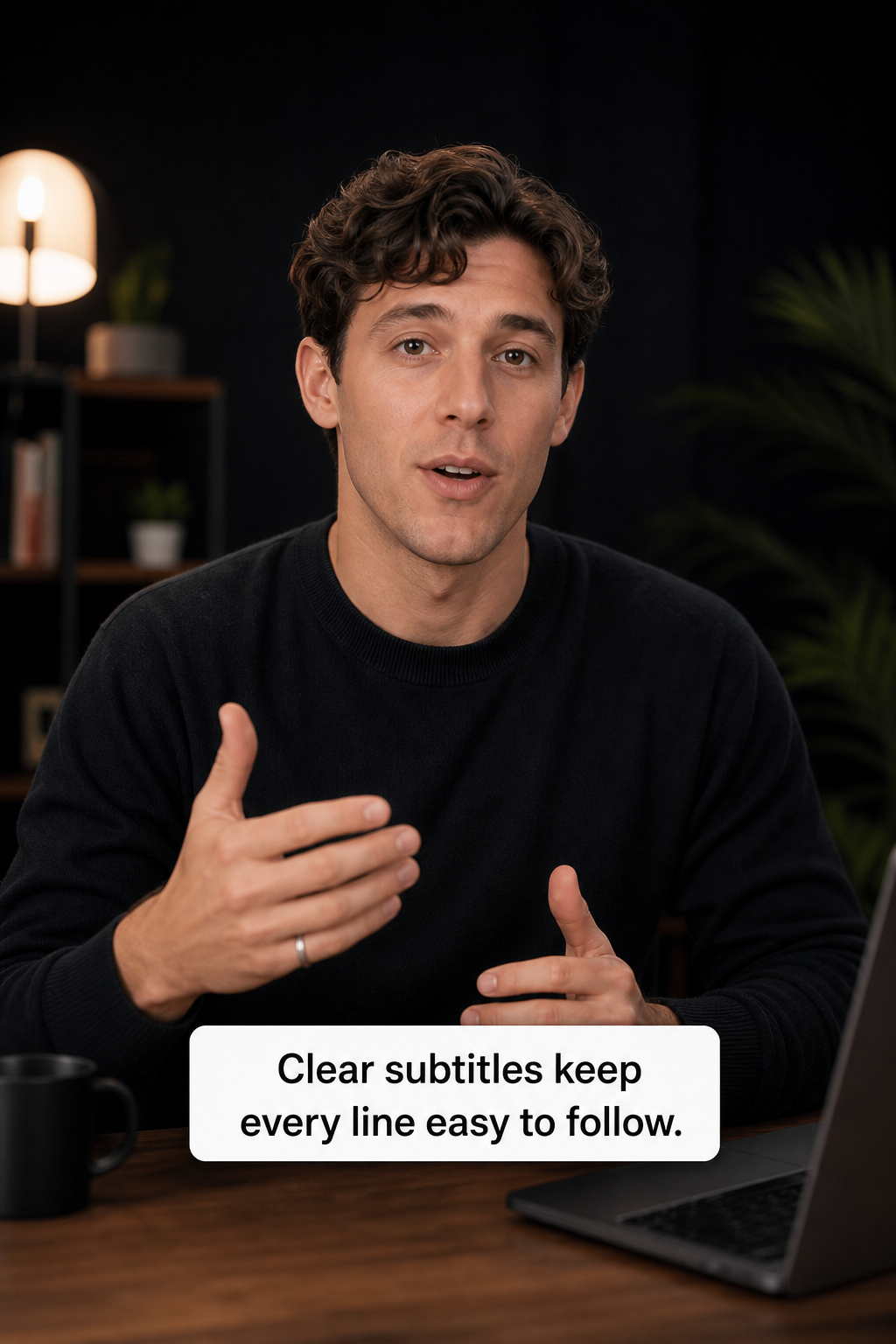
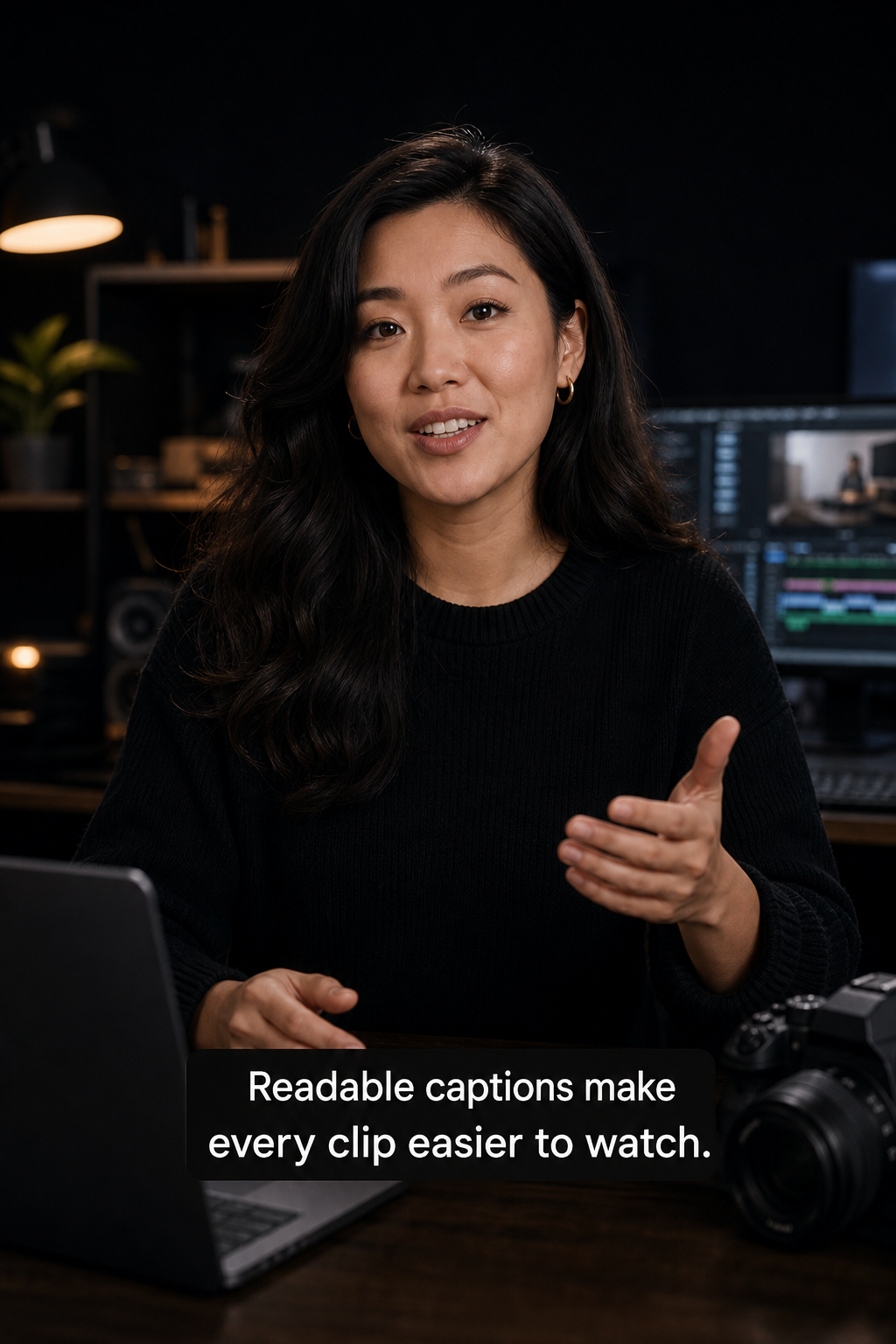
Built for creators, educators, teams, and short-form editors.
Use General AI wherever readable subtitles improve watch time, clarity, and accessibility across short-form content and educational video.
Turn long-form conversation into caption-first short clips that still make sense on mute.
Export readable educational videos for lessons, demos, and product walkthroughs.
Reuse the same footage across platforms with stronger caption readability and better emphasis.
Make ad creative understandable in silent autoplay placements without manual caption burn-ins.
Highlight key lines, keep names readable, and improve watch-through on excerpted interviews.
Simple pricing for automatic subtitle generation with one-time credit packs.
One-time credits for subtitle generation
Best value for frequent subtitle production
Built for teams with heavy subtitle volume
Clear expectations around privacy, subtitle retention, and production use.
Subtitle requests are proxied through the backend, so sensitive service credentials are not exposed in the browser.
Exports are retained for a limited review window, which is honest and easier to act on.
Use the workflow for creator clips, lessons, social cutdowns, demos, and interview exports.
Questions people ask before using an AI subtitle generator online.
How does General AI generate subtitles?
Upload a video, choose subtitle settings, and General AI processes the file through its subtitle rendering workflow to generate burned-in video captions.
What video formats does this subtitle generator support?
The current AI subtitle generator supports MP4, MOV, and WebM uploads.
Can I customize subtitle styles before export?
Yes. You can adjust subtitle language, font size, font weight, base color, and highlight color before the final render.
Does General AI export subtitle files or captioned videos?
The current workflow is focused on burned-in subtitle video output, so you get a captioned video that is ready to review and publish.
How long are subtitle exports stored?
Generated tasks and files are retained for 7 days, so completed subtitle exports should be downloaded promptly.
How accurate are the subtitles?
The model is designed for high-quality automatic transcription, but we still recommend a quick review for names, jargon, and fast speech.
Open the subtitle generator, upload your video, and create your first captioned export.